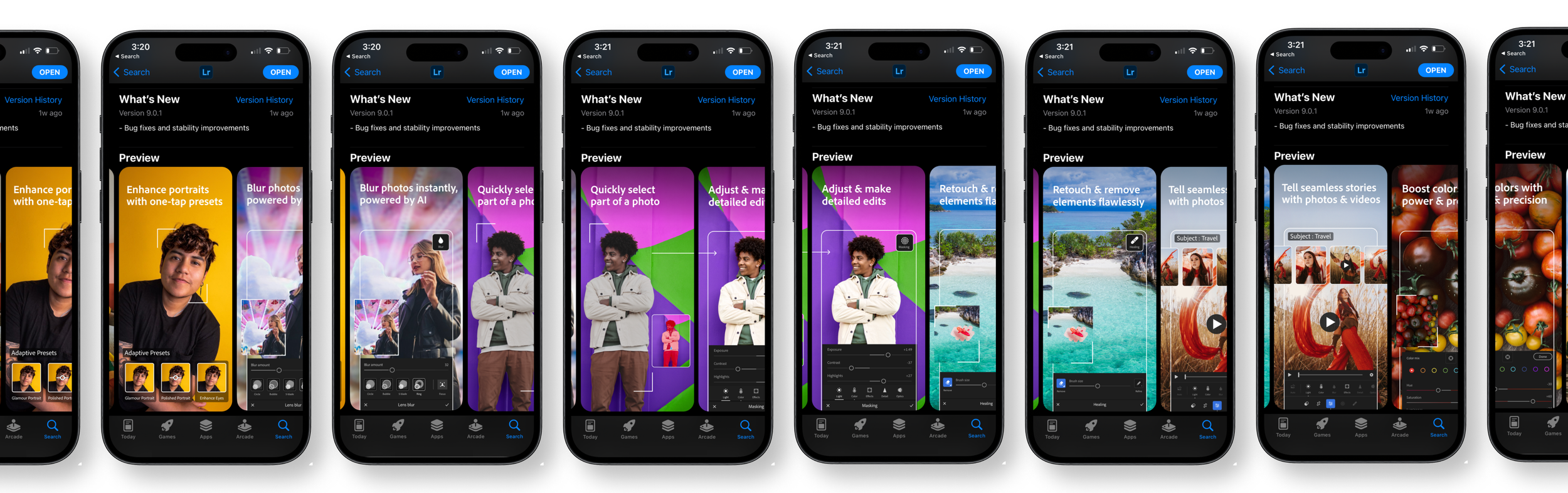
Adobe Feature Graphics
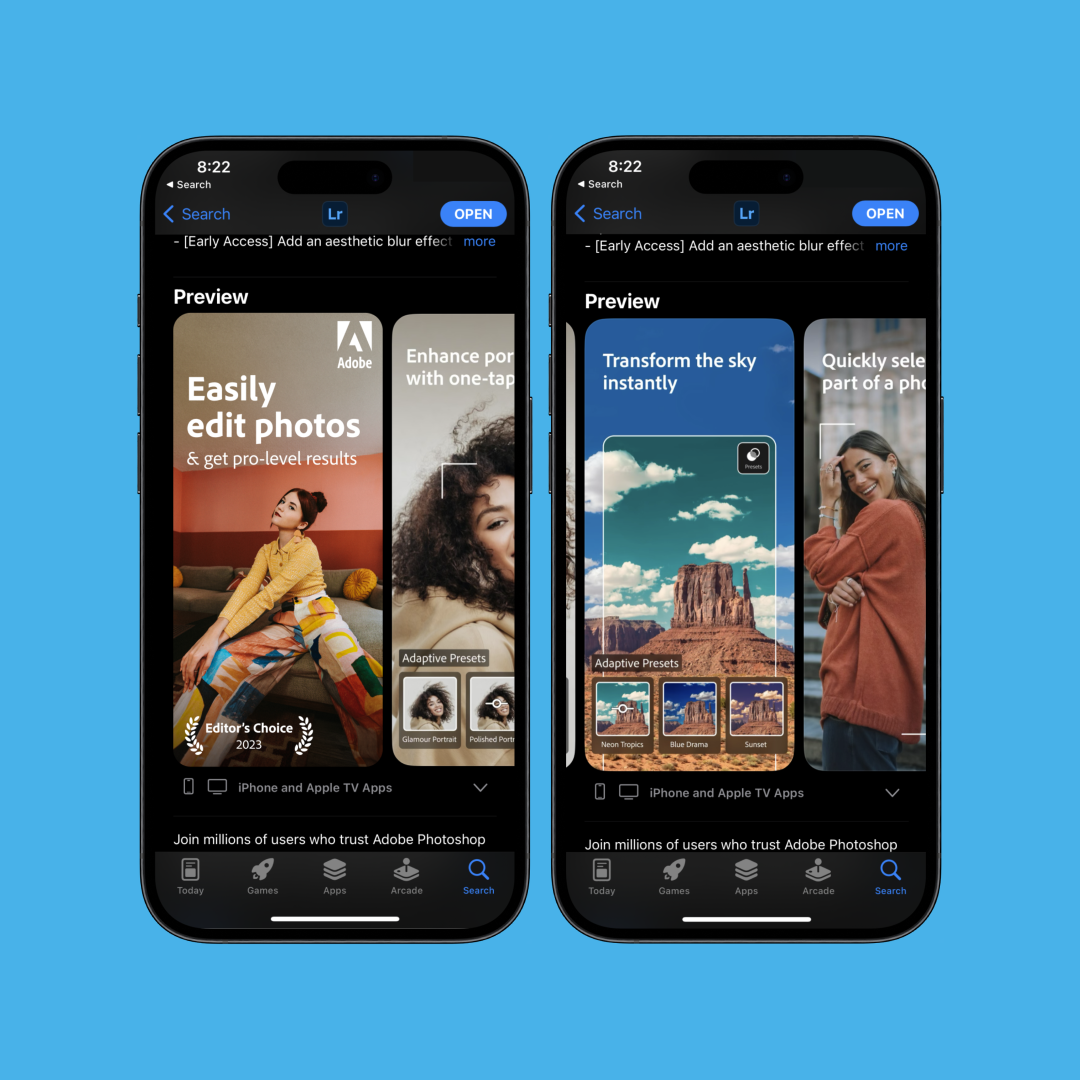
Overview
Creating Adobe Creative Cloud preview screen designs for multiple devices, appearing in IOS and Android app store.
As part of this project I designed the IOS and Android mobile view. Additionally, I designed each screen for 12+ languages at each breakpoint.
Problem
Adobe released updated features for their apps and needed their graphics redesigned to highlight the features in app stores. They needed these designs for multiple screen sizes in multiple languages.
Solution
I designed the feature graphic screens for all mobile breakpoints, including multiple tablets and phones, in 12+ languages.
I reviewed the project internally and applied the feedback from Adobe to finalize these deliverables.
My Design Process
Using Figma I began composing new screens by building out artboards for each feature highlight, in every required language, and breakpoint. I used Adobe stock to source new imagery. It was important that imagery showcased the functions of each feature as well as reflect the demographic of each region.
To showcase the UI, I needed to capture it within the app. I began with one device and screen captured all screens in each language. I repeated this process with 2 more devices.
Once I had all the UI screens organized and captured I began to drop them into my Figma artboards where I had created masks for the designated UI.
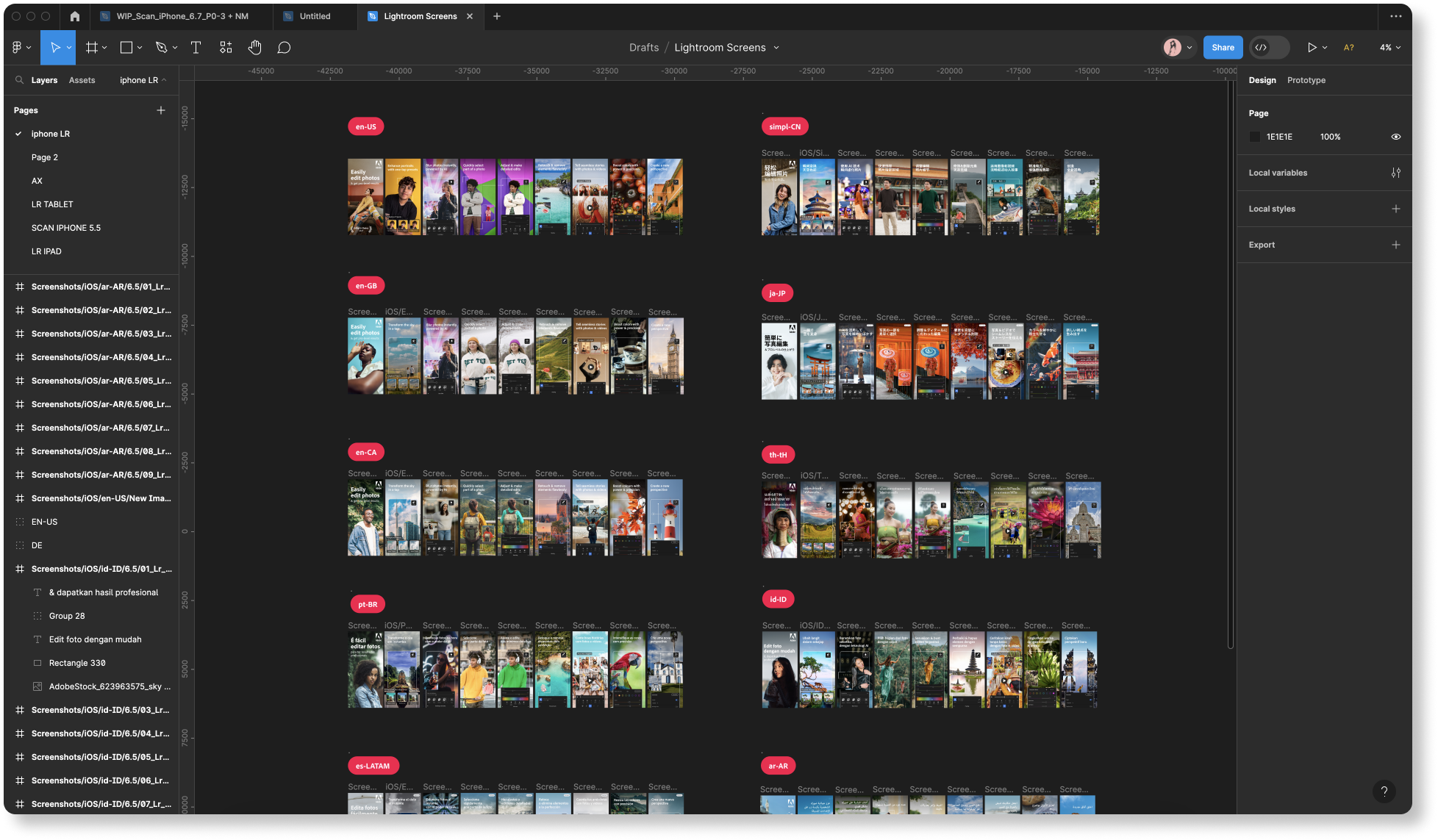
Here’s is a closer look at the Brazil screens at each breakpoint.

And a closer look of one of the Brazil screens

Once Adobe approves the feature graphic screens, they will be published in the IOS App Store and Android App Store.